
Describe the problem. Find the closest answer.
Search real app videos, step-by-step fixes, and FAQs in Arabic or English.
7 results
Closest matches appear first.
Videos and guides
04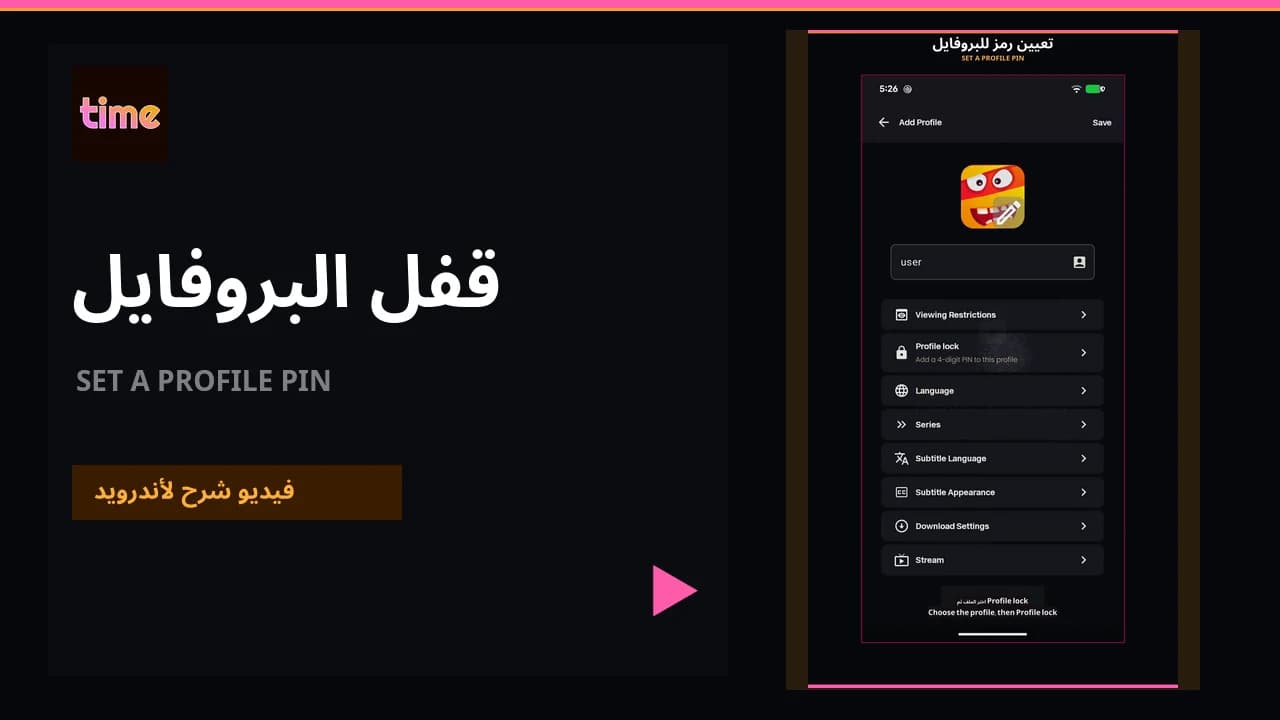 Video guideSet a profile PIN
Create a four-digit profile lock, change it, or recover access if it is forgotten.
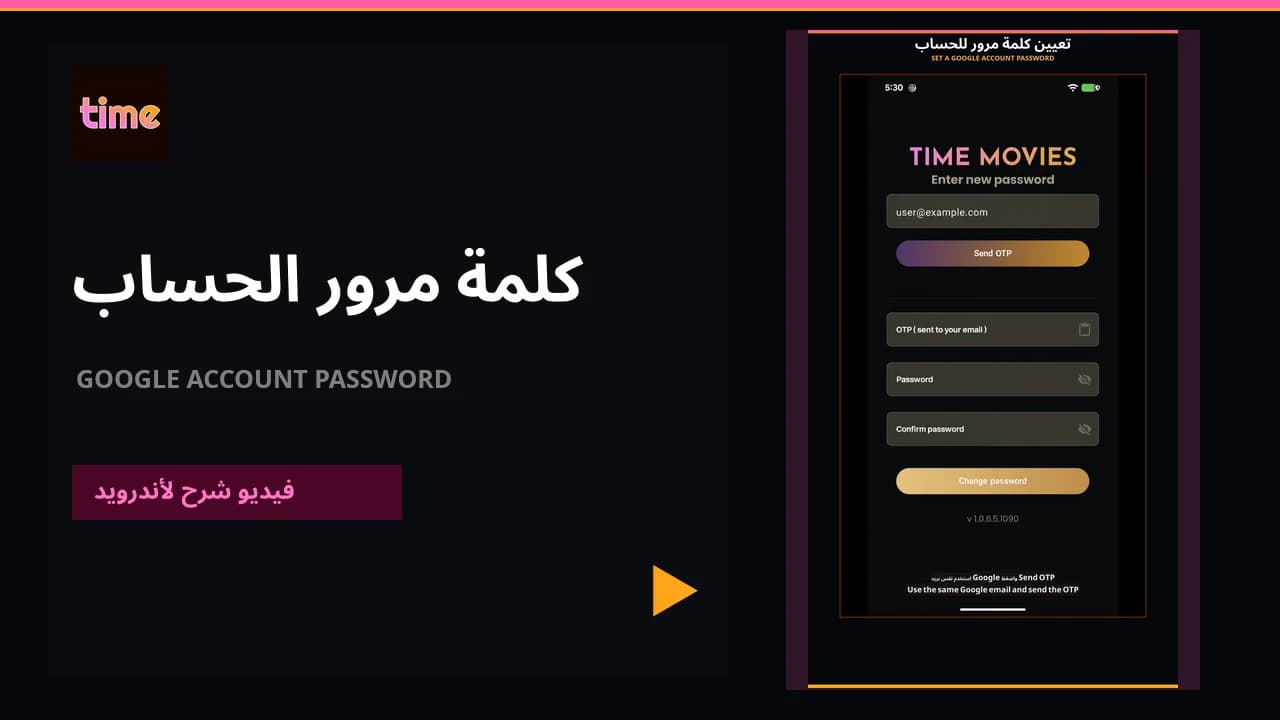 Video guideSet a password for a Google account
Create a password using a code sent to your email, from inside the app or from the sign-in flow.
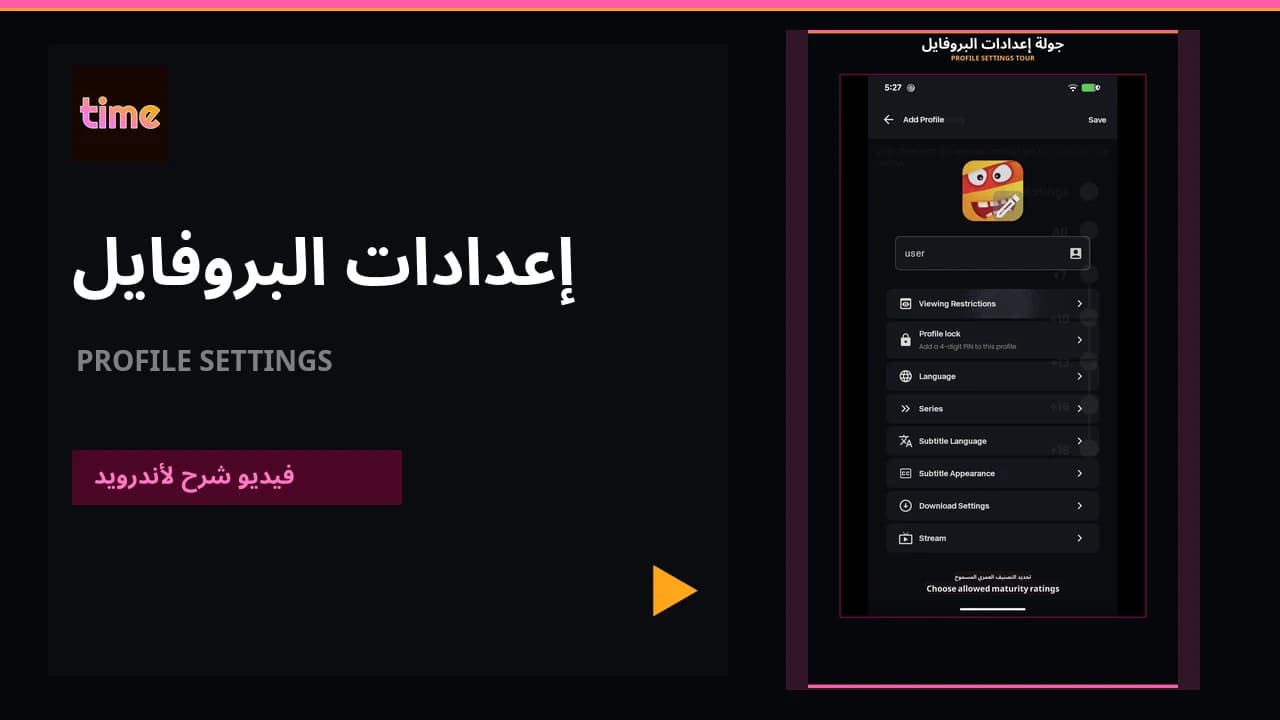 Video guideEverything your profile controls
Keep lists, history, language, subtitles, streaming, and download preferences personal to each viewer.
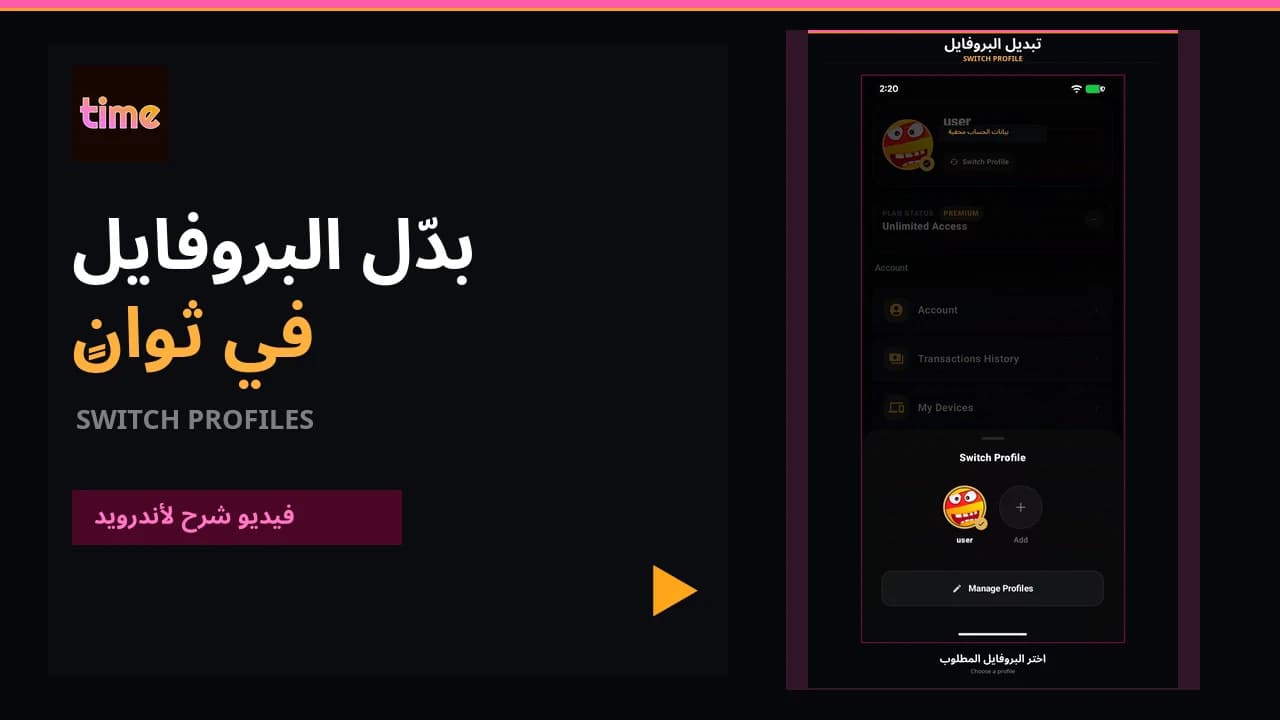 Video guideSwitch profiles
Move between viewing profiles from inside the app in a few clear steps.
Quick answers
03Choose Forgot PIN on the PIN screen. After the account password is confirmed, the app removes the lock and you can create a new one.
02How do I lock a profile with a PIN?Open Manage Profiles, choose the profile, then Profile Lock. Confirm the account password, enter a four-digit PIN, and save.
03I only used Google sign-in. How do I create a password?Inside the app, open Profile → Account → Change Password, request an OTP, and create a new password. Or choose Forgot password from email sign-in and use the same Google email.