
Video transcript
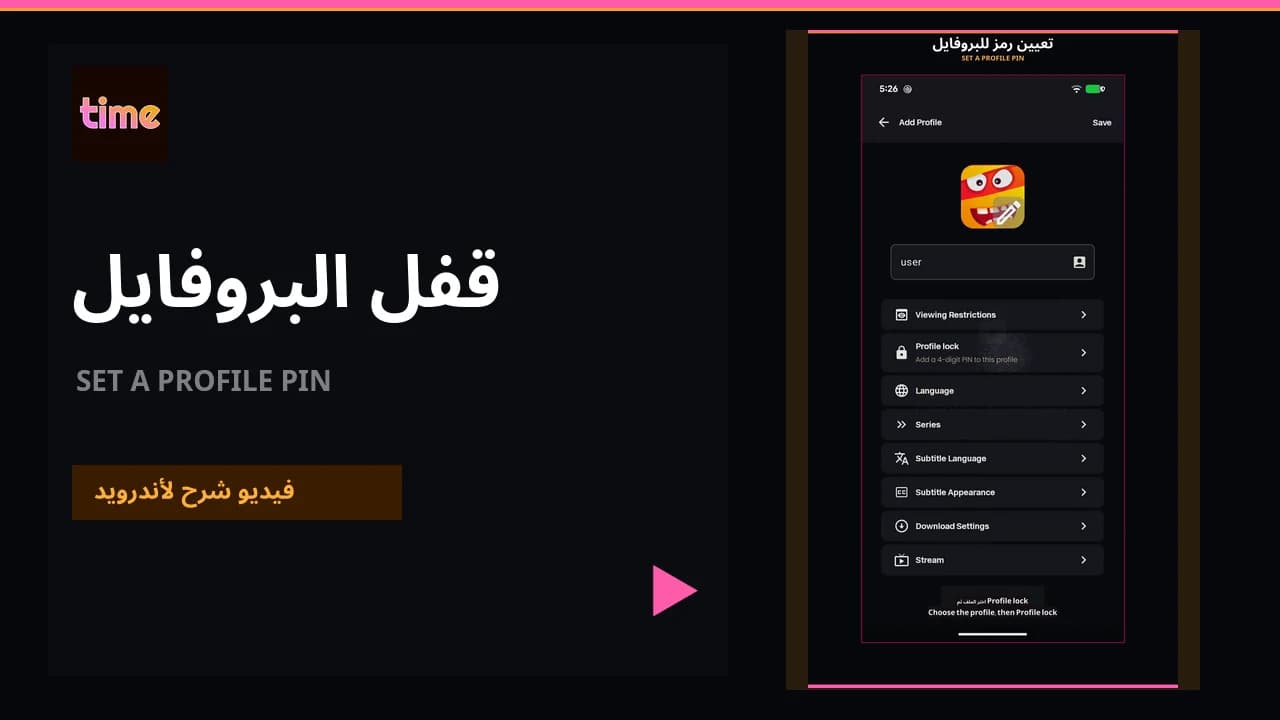
Open Manage Profiles and Profile Lock, confirm the account password, and choose four digits.
Create the profile lock
Open profiles
From Profile, choose switch/manage profiles and open the profile you want.
Choose Profile Lock
Open Profile Lock and choose Create Profile Lock.
Confirm the account password
Enter the account password. For a Google-only account, set a password first using the Google-account password guide.
Choose four digits
Enter a four-digit PIN and save.
Forgot the PIN?
On the PIN screen, choose Forgot PIN. The app verifies account ownership with the account password before removing the lock; you can then create a new PIN.