
Video transcript
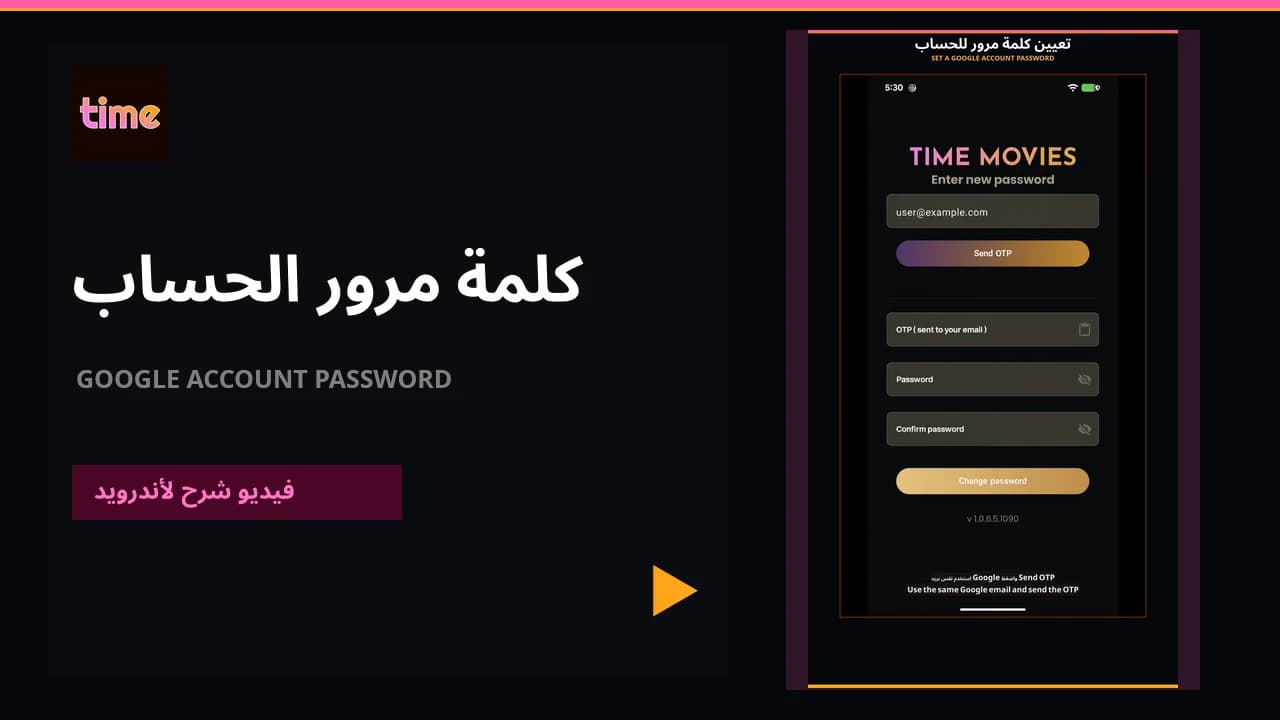
The video shows the in-account route and the Forgot password route from sign-in using the same Google email.
From inside the app
Open Account
From Profile, open Account and choose Change Password.
Send the code
Your account email is filled automatically. Choose Send OTP and confirm the address.
Enter the OTP
Enter the six-digit code sent to your email.
Set the password
Enter and confirm the new password, then save. Use at least eight characters including numbers.
From the sign-in screen
Choose email sign-in
From the opening sign-in screen, choose Sign in with Email.
Choose Forgot password
Choose Forgot password and enter the same email used by your Google account.
Confirm the email
Confirm the address so the recovery code can be sent.
Complete the update
Enter the OTP, new password, and confirmation, then choose Update Password.