
Describe the problem. Find the closest answer.
Search real app videos, step-by-step fixes, and FAQs in Arabic or English.
7 results
Closest matches appear first.
Videos and guides
04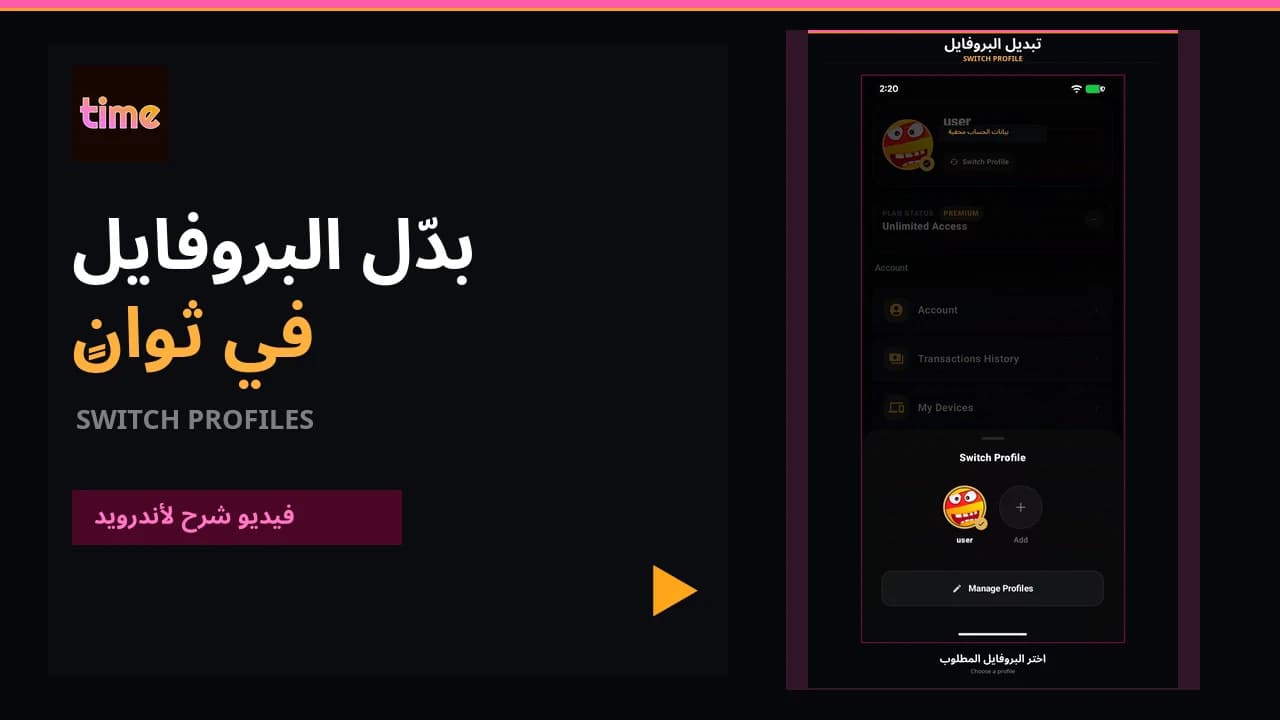 Video guideSwitch profiles
Move between viewing profiles from inside the app in a few clear steps.
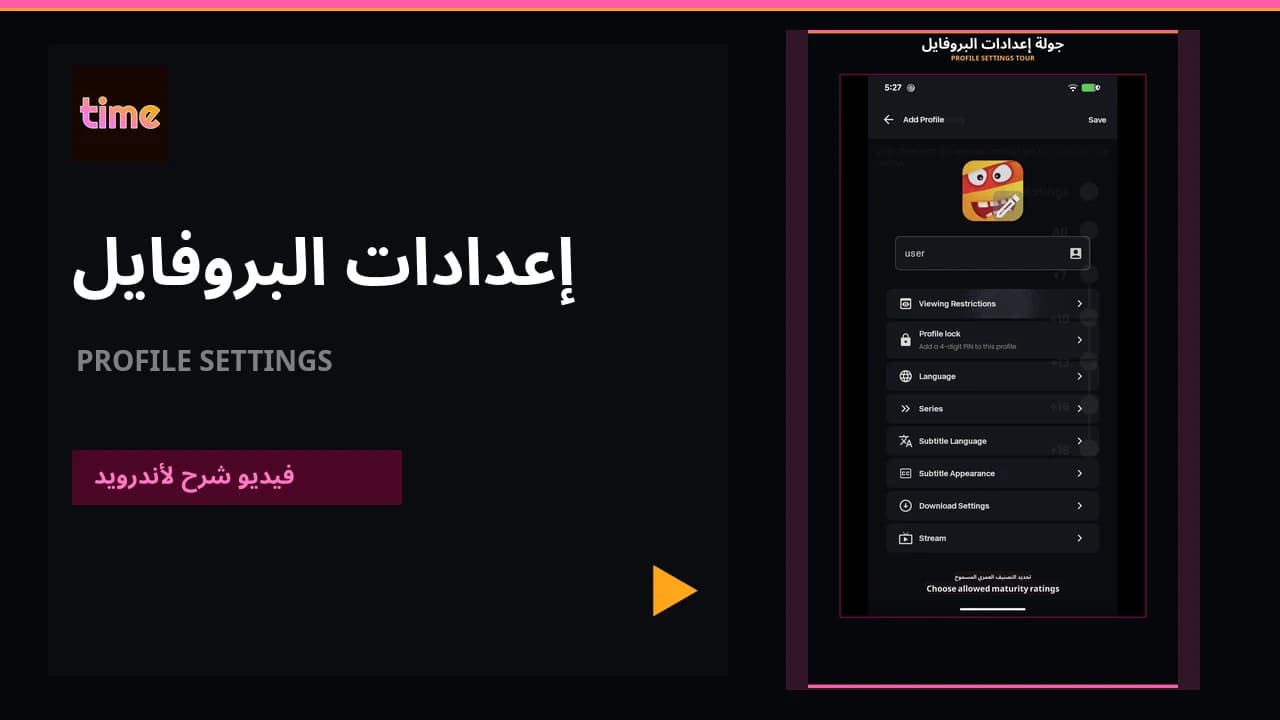 Video guideEverything your profile controls
Keep lists, history, language, subtitles, streaming, and download preferences personal to each viewer.
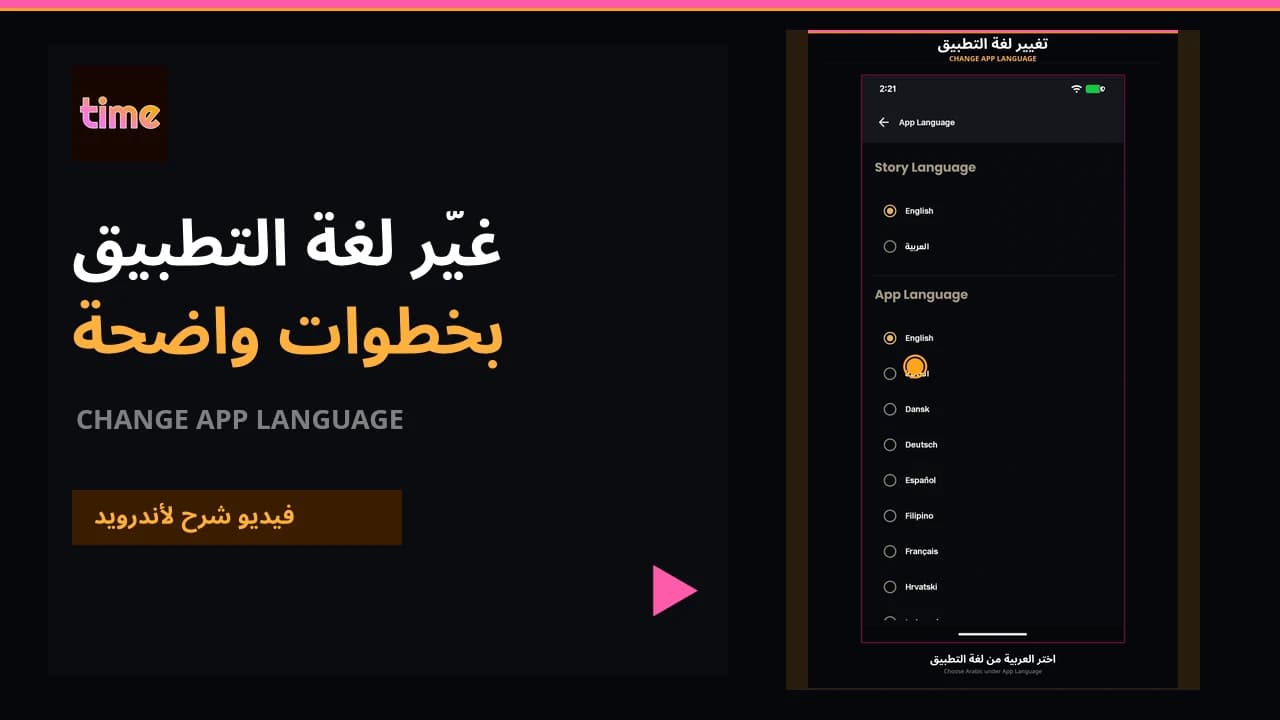 Video guideChange the app language
Choose the TIME MOVIES interface language for each profile and save it immediately.
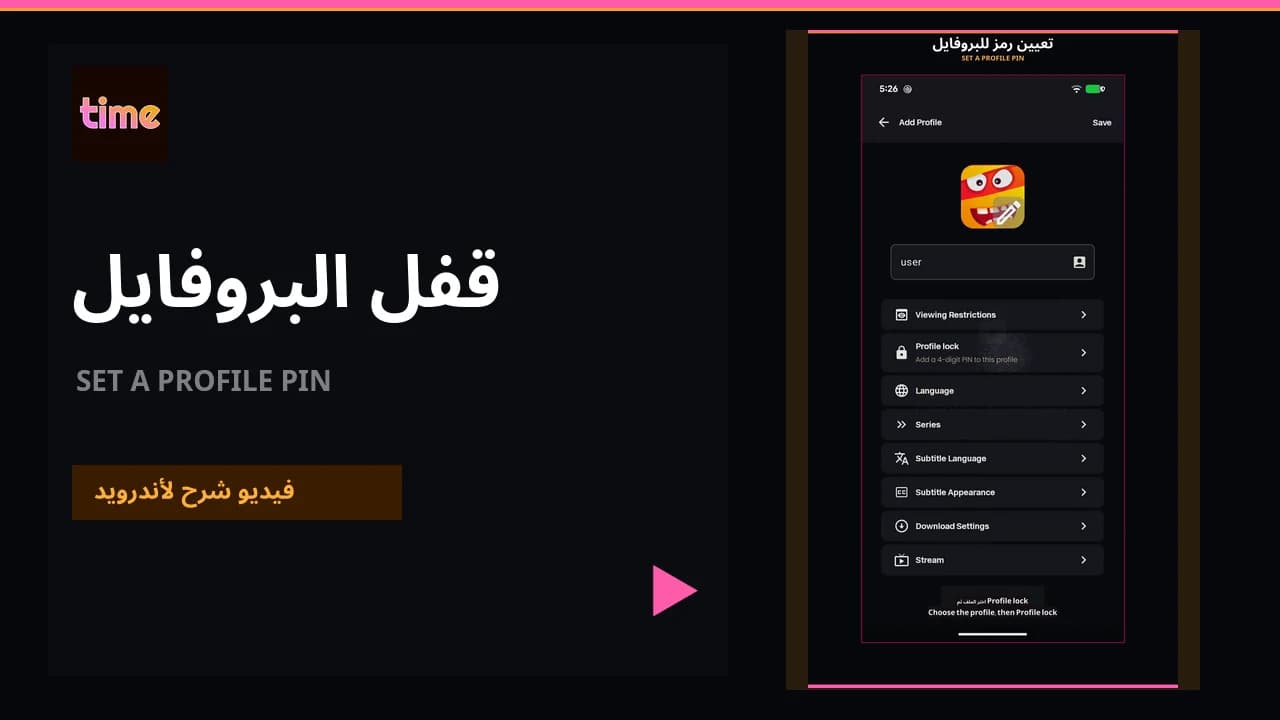 Video guideSet a profile PIN
Create a four-digit profile lock, change it, or recover access if it is forgotten.
Quick answers
03Open Manage Profiles, choose the profile, then Profile Lock. Confirm the account password, enter a four-digit PIN, and save.
02What if I forget the profile PIN?Choose Forgot PIN on the PIN screen. After the account password is confirmed, the app removes the lock and you can create a new one.
03Does each profile keep separate lists, history, and settings?Yes. Each profile keeps its own list, watch history, recommendations, language, subtitle, streaming, and download preferences.